Space Police Chase
Hit the sirens. The chase is on.
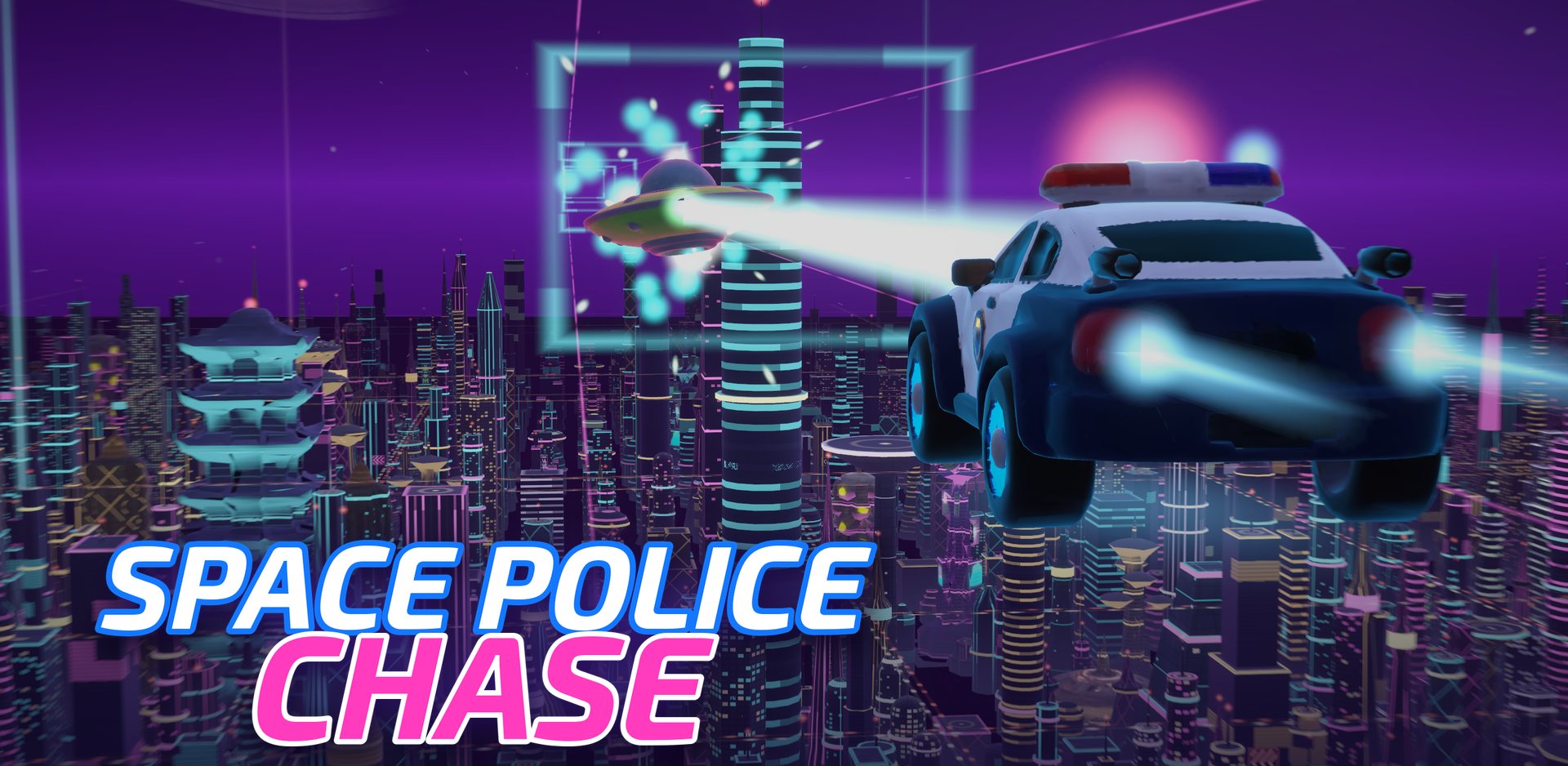
A 3D high-speed pursuit 950 meters above a glowing alien megacity. Chase down alien suspects, lock on with your EMP and make the arrest.
Gameplay
Screenshots
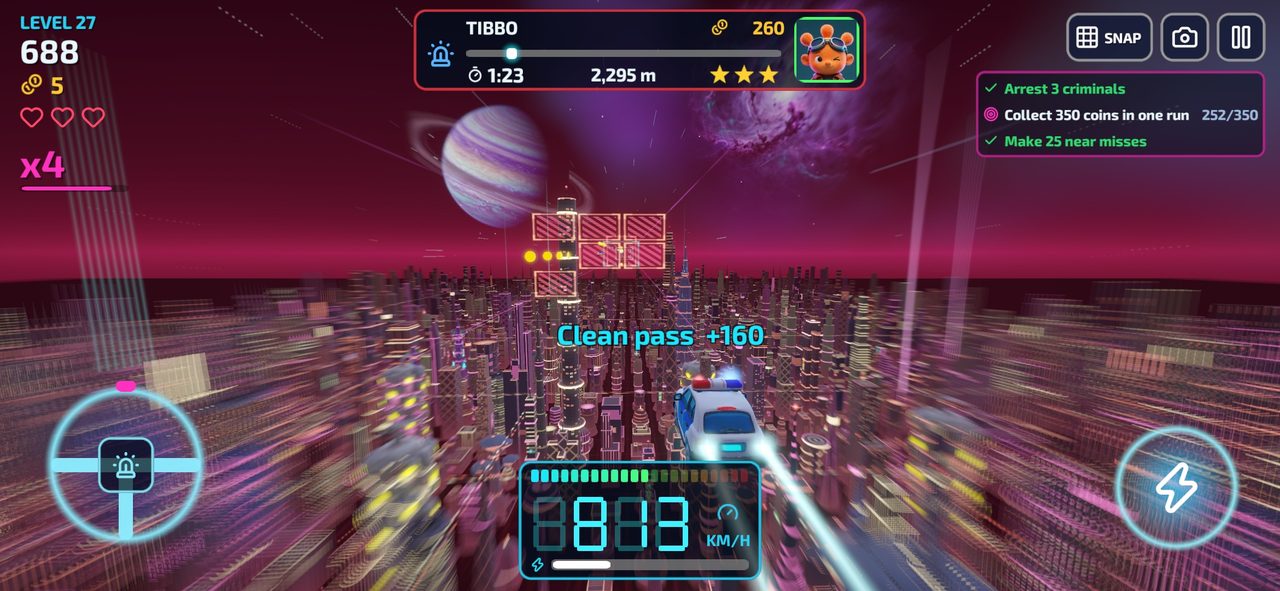
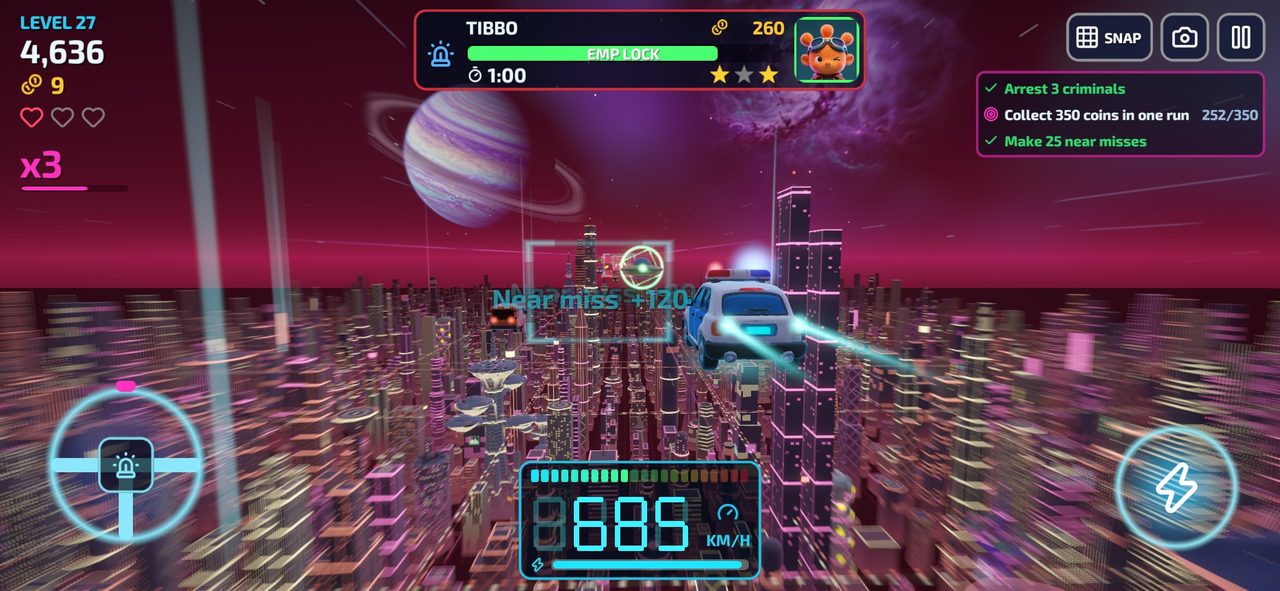
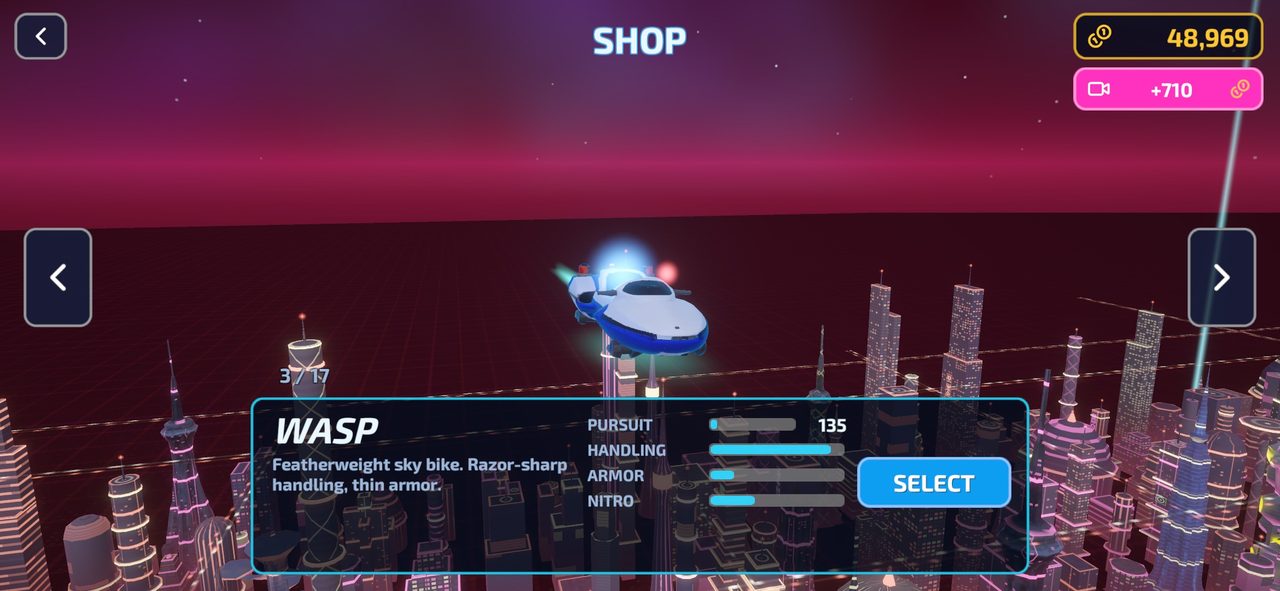
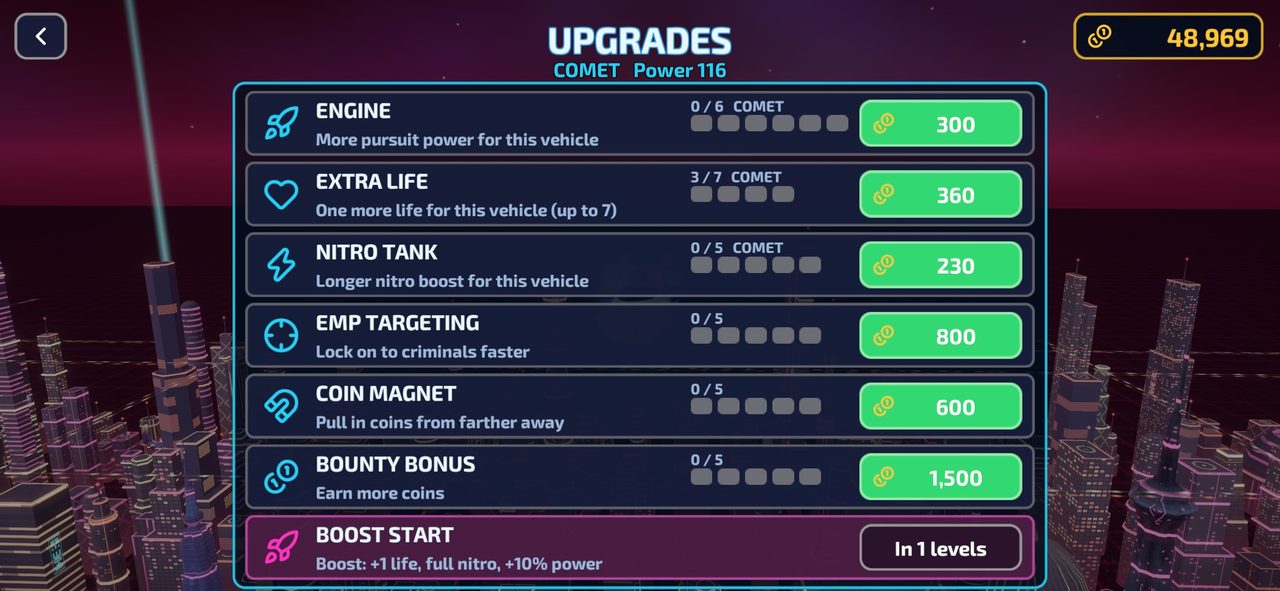
Space Police Chase is a 3D high-speed pursuit game set 950 meters above a glowing alien megacity. You’re on patrol at Checkpoint 7 when a ship rips past at 1,480 km/h. Hit the sirens — the chase is on.
Fly freely through the air corridor, weave between civilian traffic, holographic barriers, mines and crates, and close the gap on the fleeing suspect. Once you’re in range, the criminal starts dodging and shooting back. Get right behind them, hold position and let your EMP lock fill up — then make the arrest before they reach the jump gate and escape.
Every near miss builds your combo and refills your nitro. Collect gold, complete missions and spend your earnings on engine, nitro and life upgrades — or save up for the next vehicle in a fleet of 17, from the trusty Sentinel patrol car to the Nova hyper-cruiser and the Dragster.
Features
- 300 levels across 30 sectors, each with its own skyline colors and mood
- 56 alien suspects from six gangs — Zorb, Mimo, Vexa, Krag, Dr. Nyx and Skar — each with their own ships and weapons
- Challenge levels every 10th stage: back-to-back arrests with rising speed and difficulty
- Level modifiers from sector 7 onward: heavy traffic, barrier lines, armed targets, high speed, short timer
- 17 police vehicles to buy and upgrade, plus pilot upgrades that carry across your whole fleet
- Free 2-axis flight or optional lane snap for precise, grid-based dodging
- Chase camera and cockpit view
- A short cinematic intro and a hands-on tutorial that teaches by flying
- Available in 12 languages
How to play
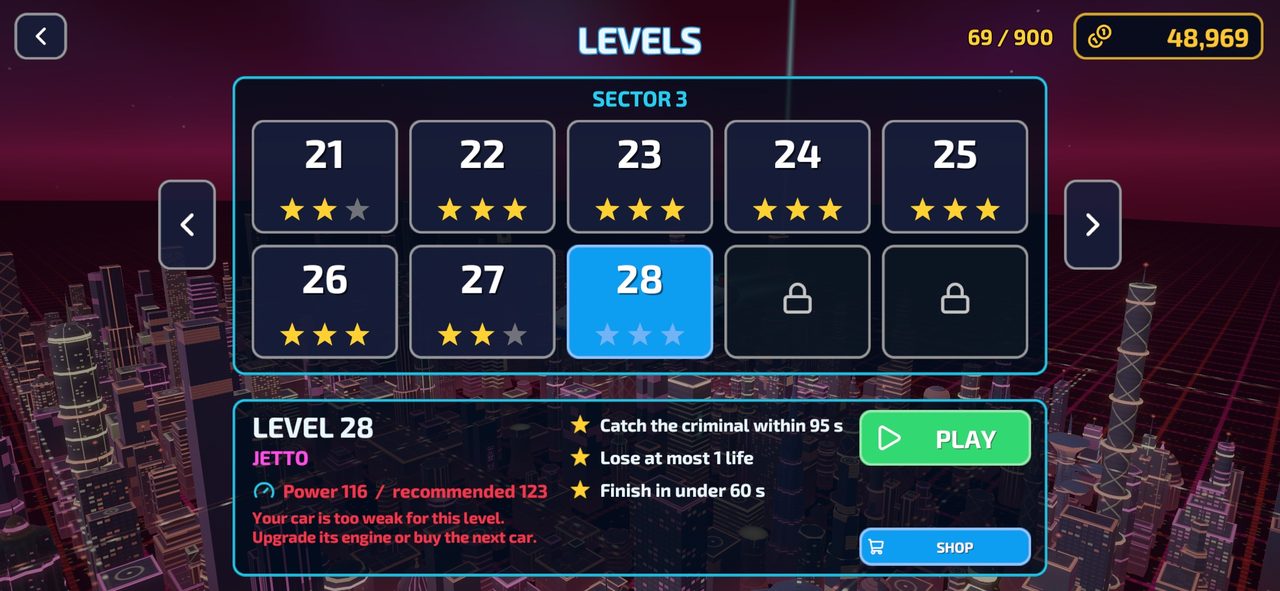
Catch the suspect before the timer runs out. Earn up to 3 stars per level: make the arrest, lose at most one life, and finish under 60 seconds.
You need at least one star in a sector’s challenge level to unlock the next sector.
Controls
- W A S D / Arrow keys — steer
- Space / Shift — nitro (hold)
- G — lane snap on/off
- C — switch camera
- P — pause
- Mobile: steering wheel on the left, nitro button on the right